

In today’s digital world 🌍, having a professional website is no longer a luxury — it’s a necessity. Whether you’re a freelancer, a small business owner, or someone who wants to start a blog, your online presence starts with a website. But what if you don’t know coding or design? 🤔
Here’s the good news — you can now Make a website with AI in just a few minutes! 🚀
In this complete guide, you’ll learn how to make a website with AI step-by-step, even if you’re a total beginner. We’ll also explore the best AI tools, website builders, and smart strategies to help you create a stunning, SEO-friendly site — without spending hours or hiring expensive developers.
Table of Contents
🌟 Why Make a Website with AI?
Before diving into the steps, let’s understand why AI is a game-changer in website creation.
AI technology has simplified the entire process of web development. You don’t need to write a single line of code — AI does it all for you. From designing layouts to writing SEO-friendly content, optimizing images, and even managing your site’s traffic analytics, AI can handle everything automatically.
Here are some major benefits of using AI to make your website:
✅ No coding required: Perfect for beginners.
✅ Faster design: AI generates templates in seconds.
✅ Smart SEO: Many AI tools optimize your pages automatically.
✅ Affordable: No need to pay web developers.
✅ Scalable: Easily add new pages or features anytime.
If you’ve been thinking about starting your own site but didn’t know where to begin — this is the perfect moment to make a website with AI and save time, money, and effort! 💪

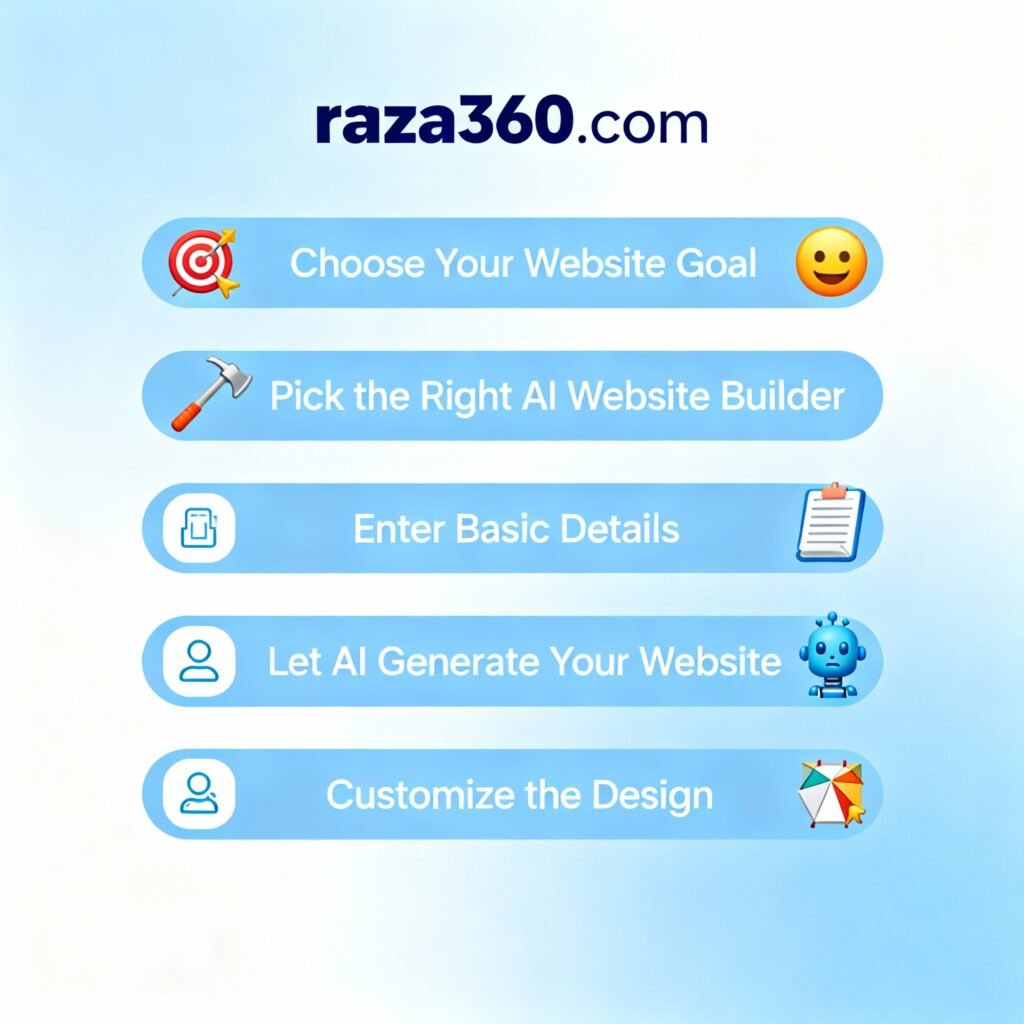
🧩 Step 1: Choose Your Website Goal
Before using any AI tool, define your website’s purpose 🎯.
Ask yourself:
- Do you want to create a personal portfolio?
- Are you launching an eCommerce store?
- Do you want to start a blog like raza360.com?
- Or maybe you’re creating a business landing page?
Once you know your goal, AI tools can customize the entire design and content automatically.
💡 Example: If you tell the AI tool that your goal is “Fitness Coaching,” it will instantly generate fitness-related templates, color themes, and even text suggestions for your homepage.
⚙️ Step 2: Pick the Best AI Website Builder
Now comes the most exciting part — choosing the right platform to make a website with AI 🤖
Here are the Top AI Website Builders in 2025 you can use:
- Wix ADI (Artificial Design Intelligence) – Super beginner-friendly 🌈
- Durable.co – Creates a full business website in under 1 minute! ⏱️
- 10Web.io – Powered by WordPress and AI automation ⚡
- Framer AI – Modern, clean, and visually stunning designs 🎨
- Bookmark AI Builder – Perfect for startups and small businesses 💼
- Hostinger AI Builder – Great speed and built-in SEO tools 📈
- Mixo.io – Ideal for landing pages and startups 🚀
- B12.io – Business-ready sites with AI content and email tools ✉️
Each of these tools helps you make a website with AI quickly. You just describe your idea in a few sentences, and AI takes care of the rest — design, layout, and even content!
🪄 Step 3: Generate Your Website with AI
Now it’s time to let AI do its magic 💫
Here’s what usually happens when you start using an AI builder:
- You enter a short description of your website idea.
👉 Example: “I want to create a personal blog about AI tools and digital income.” - The AI tool automatically generates a complete site — homepage, about section, services, and contact page.
- You can preview the layout, make small edits, and publish instantly.
That’s it! 🥳 You’ve learned how to make a website with AI without touching code or hiring anyone.
🎨 Step 4: Customize Design and Branding
Even though AI creates a ready-made design, you can personalize it to reflect your brand.
Here’s how you can enhance your site:
- 🖌️ Add your logo and brand colors
- 🖼️ Replace AI-generated images with your own
- ✏️ Edit text and headings for a more personal tone
- 🔤 Choose your favorite fonts and layout styles
👉 Pro Tip: Consistency matters! Use the same color palette and fonts across all pages to make your website look professional.
AI builders like Wix ADI or Durable even suggest color combinations and font pairings based on your industry — making it easier to maintain your brand identity while you make a website with AI.
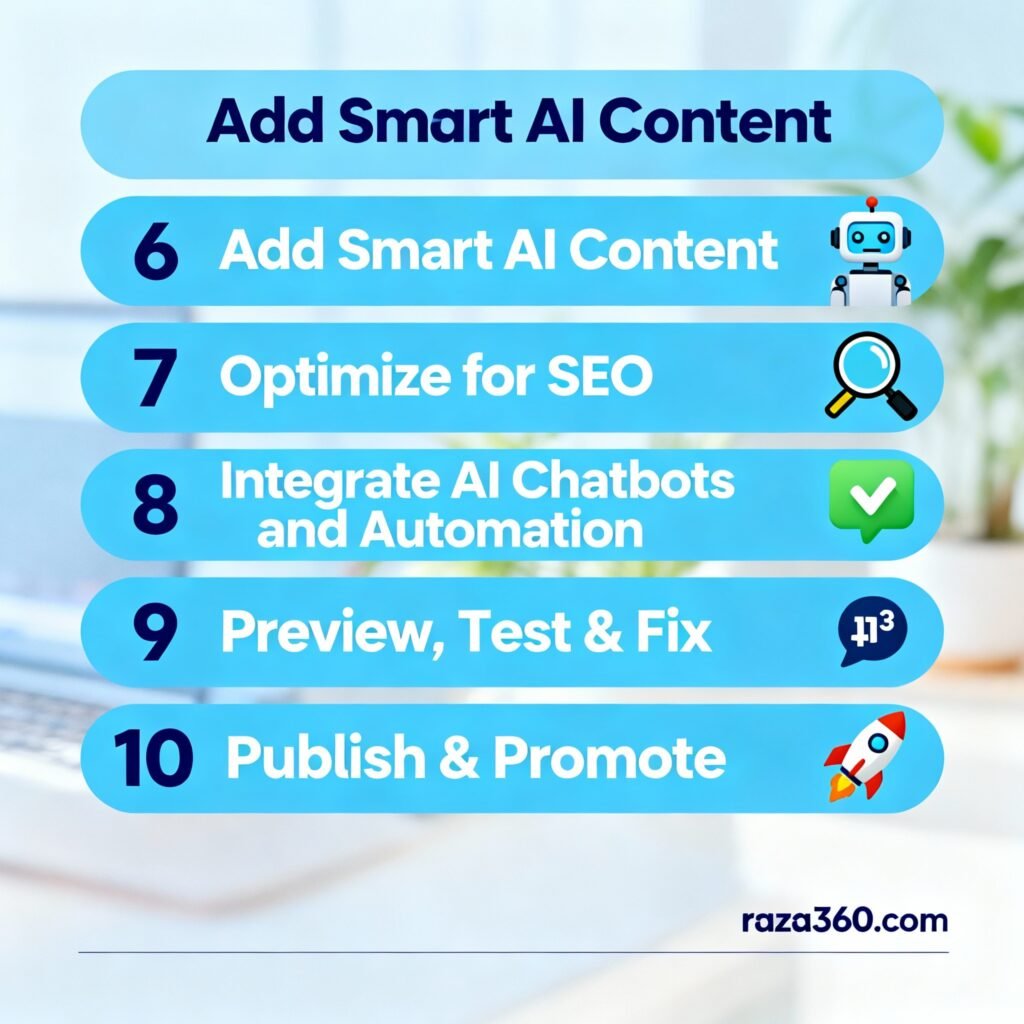
🧠 Step 5: Add AI-Generated Content
Content is king 👑 — and now AI can help you write it too!
You can use tools like ChatGPT, Writesonic, or Jasper AI to create:
- Home page introductions
- About us descriptions
- Blog articles
- Service details
- FAQs and testimonials
Just give a short prompt like:
“Write a friendly About Us section for a personal finance blog.”
AI will instantly generate high-quality, SEO-friendly text!
That’s another reason why more people are choosing to make a website with AI — it’s not just about design; it’s about complete automation from start to finish.
🔍 Step 6: Optimize for SEO with AI Tools
Once your site is live, the next step is getting it found on Google 🌐
AI can help you with this too!
Here’s how to optimize your site easily:
✅ Use AI SEO tools like SurferSEO, NeuronWriter, or RankMath (in WordPress).
✅ Add your focus keywords in titles, headings, and meta descriptions.
✅ Create AI-written blog posts around trending keywords.
✅ Use AI to optimize image alt texts and internal linking.
If you’re serious about ranking fast, always remember — SEO + AI = Power Combo 💥
This is one of the best advantages when you make a website with AI — it ensures your site looks great and performs great.
⚡ Step 7: Connect Domain and Hosting
Once you’ve finalized your website design, connect your custom domain name.
Example:
👉 www.raza360.com (your unique brand identity)
Most AI builders like Hostinger or Wix offer free domain + hosting packages, so you don’t have to buy separately.
If you prefer using WordPress, you can connect your domain via platforms like 10Web.io, which lets you make a website with AI on WordPress hosting.
🛠️ Step 8: Add Smart AI Features
Here’s where things get futuristic! 😎
After building your site, enhance it using smart AI integrations:
🤖 AI Chatbots: Tools like Chatbase or Tidio AI handle customer queries 24/7.
📈 AI Analytics: Use Google Analytics + AI insights to track performance.
💬 Voice Search: Make your site voice-friendly for better accessibility.
🧾 AI Contact Forms: Smartly collect leads with automated follow-ups.
🪄 AI Image Generation: Create banners and visuals using tools like Canva AI or Leonardo AI.
Adding these smart features helps your site stand out — and shows what’s possible when you make a website with AI the right way.
💼 Step 9: Add Products, Blog, or Services
Depending on your goal, now is the time to expand:
🛍️ For eCommerce sites: Add products, descriptions, and payment gateways.
✍️ For blogs: Start posting articles regularly with AI writing tools.
🎓 For course websites: Integrate AI-based learning platforms like Teachable or Podia.
AI makes it easy to manage all this automatically — from inventory updates to SEO content scheduling.
When you make a website with AI, you don’t just create a static page — you build a dynamic system that works for you 24/7.
🚀 Step 10: Publish and Promote Your AI Website
Once everything looks perfect, click that magical “Publish” button! 🎉
Now your site is live — but that’s just the beginning. You need to bring traffic to it.
Here’s how:
📢 Share on social media (Facebook, Instagram, LinkedIn)
📰 Post valuable blogs weekly
🎥 Create short AI-based videos or Reels to promote your brand
💌 Collect emails and send newsletters
🔗 Build backlinks from other blogs and directories
Use AI marketing tools like HubSpot AI, Ocoya, or SocialBee to automate posts and campaigns.
🧩 Bonus: Best Free AI Tools for Website Creation (2025)
Here’s a quick list of the most useful tools when you make a website with AI 👇
| Category | AI Tool | Purpose |
|---|---|---|
| Website Builder | Wix ADI | Complete website generation |
| WordPress Builder | 10Web.io | AI-powered WordPress setup |
| Content Writer | ChatGPT | Blog and text writing |
| Image Creator | Canva AI | Design graphics easily |
| SEO Optimizer | NeuronWriter | Rank your pages faster |
| Marketing | Ocoya | Schedule AI-based social posts |
| Chatbot | Tidio AI | Smart chat support |
💬 FAQs: Make a Website with AI
🧠 Q1: Can I really make a website with AI without coding?
Yes! Absolutely. You just describe your idea, and AI tools design and write everything automatically.
💰 Q2: How much does it cost to make a website with AI?
Most AI website builders offer free trials or plans starting around $10–$20/month — way cheaper than hiring a web designer.
⚙️ Q3: Which is the best AI tool to make a website with AI?
Durable, Wix ADI, and 10Web.io are currently the most popular and easiest tools for beginners.
🚀 Q4: Can I use ChatGPT to make a website with AI?
Yes! You can use ChatGPT to write web content, meta tags, product descriptions, and blog posts for your site.
🌎 Q5: Is make a website with AI good for SEO?
Definitely! AI tools like RankMath, SurferSEO, and NeuronWriter optimize your pages automatically — helping your site rank faster.
🎯 Final Thoughts
If you’ve ever dreamed of having your own online space but thought it was too technical — AI just made it possible for everyone 💡
Today, anyone can build a website with AI in minutes — no coding, no stress, and no huge costs. Whether it’s for business, blogging, or a personal portfolio, the future of web creation is AI-powered.
So don’t wait — start building your dream website today with AI and watch your digital presence grow like never before! 🌟
Written by: Khalid Raza
Founder – raza360.com
Your source for smart online income, AI tools, freelancing, and digital success tips. 💼✨